
Automated price management
Automated pricing on Kaspi
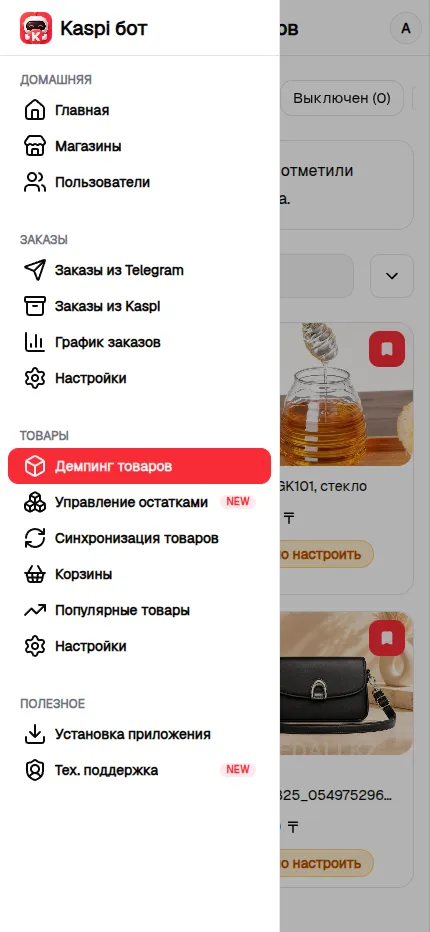
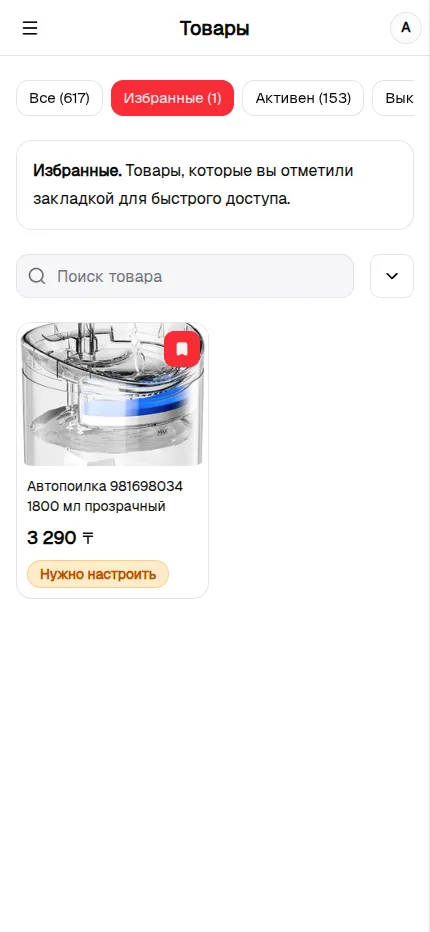

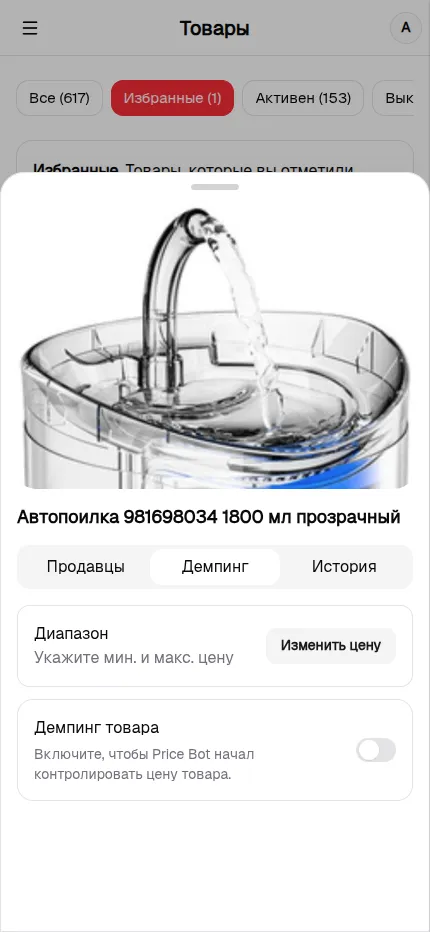
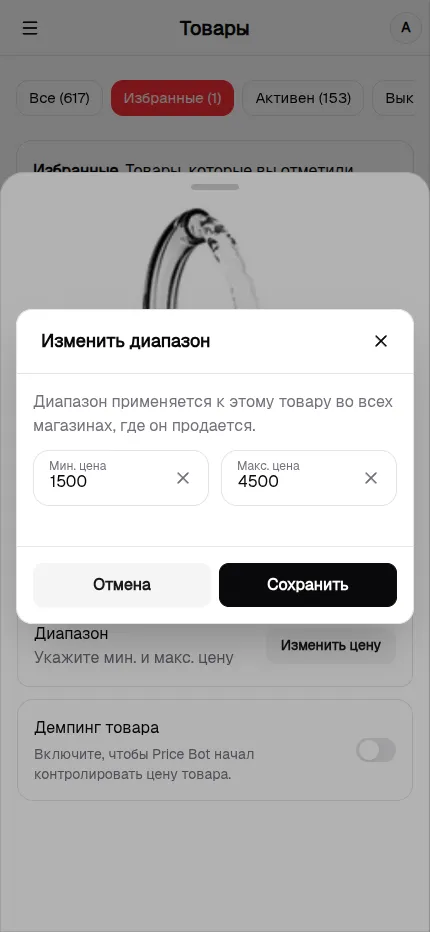
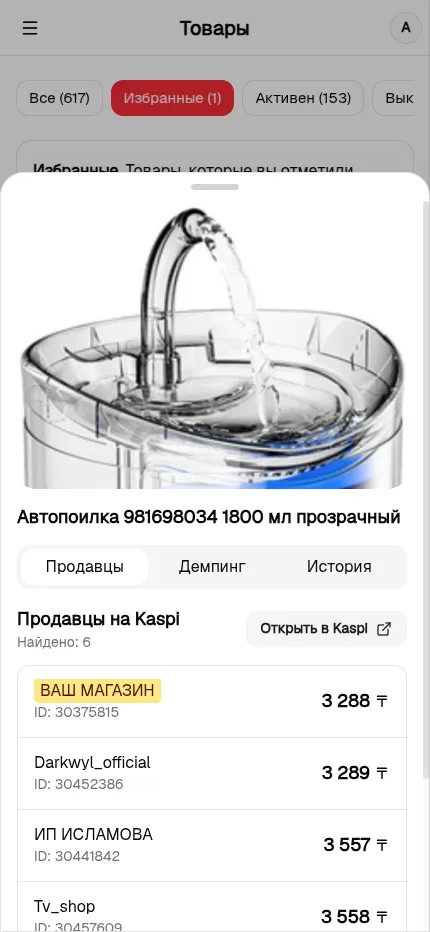
How automated pricing works
Kaspi Bot checks external competitors and sets your price one configured step below the cheapest offer. Connected stores belonging to the same owner are excluded, so they do not undercut one another. Sellers on your ignored competitors list are excluded as well.
Minimum and maximum prices
You set a minimum and maximum price range for each product. The bot never lowers the price below the minimum or raises it above the maximum. If a competitor sells below your minimum, the product appears under “Competitor below minimum” while your price stays within the safe range.
Kaspi's limit: 250 changes
Kaspi allows no more than 250 price changes per 30 minutes for each store. Kaspi Bot tracks the limit separately for every store, temporarily skips new changes when it is reached, and continues in later cycles after the limit refreshes.
Control each product separately
You can enable or disable automated pricing from an individual product card. Once disabled, Kaspi Bot stops changing that product's price in every connected store, while its current Kaspi price and saved price range remain unchanged.
Categories and quick filters
Filter the catalog to quickly find specific products and conditions that need attention.
All products
The full catalog from connected stores across every status.
Favorites
Bookmarked products for quick access.
Active pricing
The bot controls the price within the configured range.
Pricing disabled
The bot does not change the price, but the product settings remain saved.
Setup required
The product does not have a price range yet or pricing has not been enabled.
Pricing without stores
Pricing is enabled, but the product is not sold by any connected store.
Competitor below minimum
A competitor is below your minimum, so the bot does not follow their price down.
Price at minimum
The product has reached its minimum price in at least one store.