
Stock levels without manual updates
Stock management on Kaspi
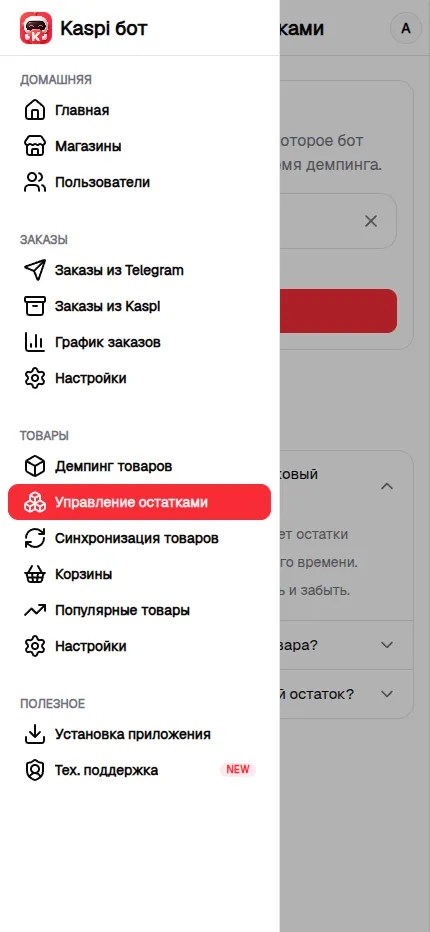
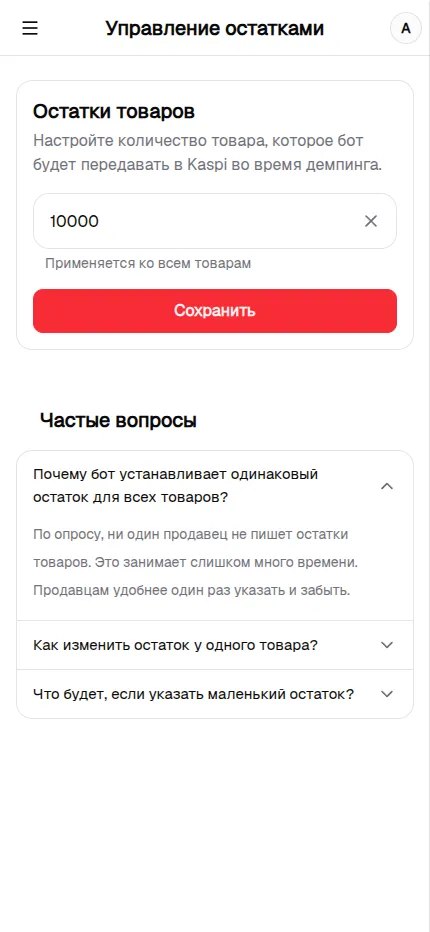
How stock levels are updated
Set the product quantity once, and Kaspi Bot sends it to Kaspi with every price change during automated pricing. You do not need to open Seller Cabinet and update the stock manually after each change.
One setting for every product
The selected quantity applies to every product managed by Price Bot. You can enter a whole number from 3 to 10,000 units, giving a large catalog one simple and predictable rule.
A different stock level for one product
If one product needs a different quantity, disable automated pricing for it and update the stock manually in Kaspi Seller Cabinet. The bot will then stop changing its price and sending the shared stock quantity for that product.
How stock affects an order
The configured stock limits how many units a customer can add to one order. Choose enough stock to avoid blocking orders with multiple identical items while still accounting for actual availability.